Built for service businesses. Owned outright when you’re ready.
Organizational chart
The AppSite SDK, and everything built on it.
All 35 modules, grouped by what they are for, with every function each one performs. Filter the chart, collapse any level, and open a module’s home page from its card.
Levels
Groups

Platform
AppSite SDK
The platform layer every module is built on — sign-in, tenant workspaces, permissions and the registry that tells each module where it lives.
Open the SDK →Core
Customers, sign-in and the shared workspace every other module plugs into.
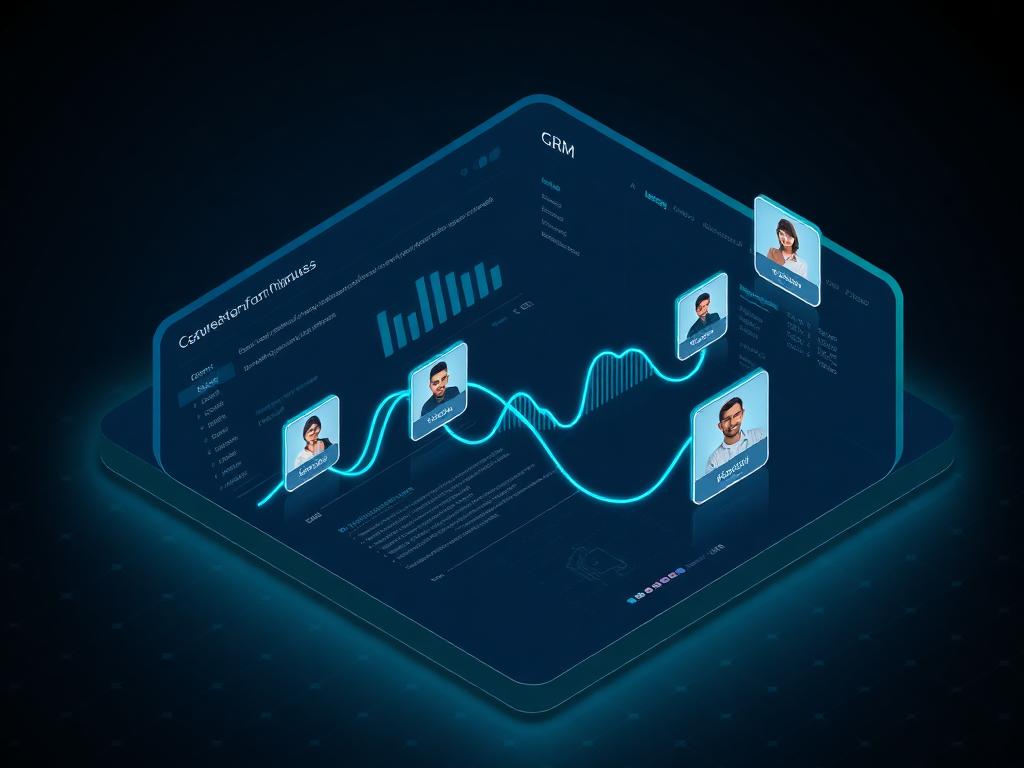
CRM
Unified customer relationships and pipeline visibility.
- Contacts, companies, and leads
- Pipeline and ownership
- Communication history
- Follow-up reminders
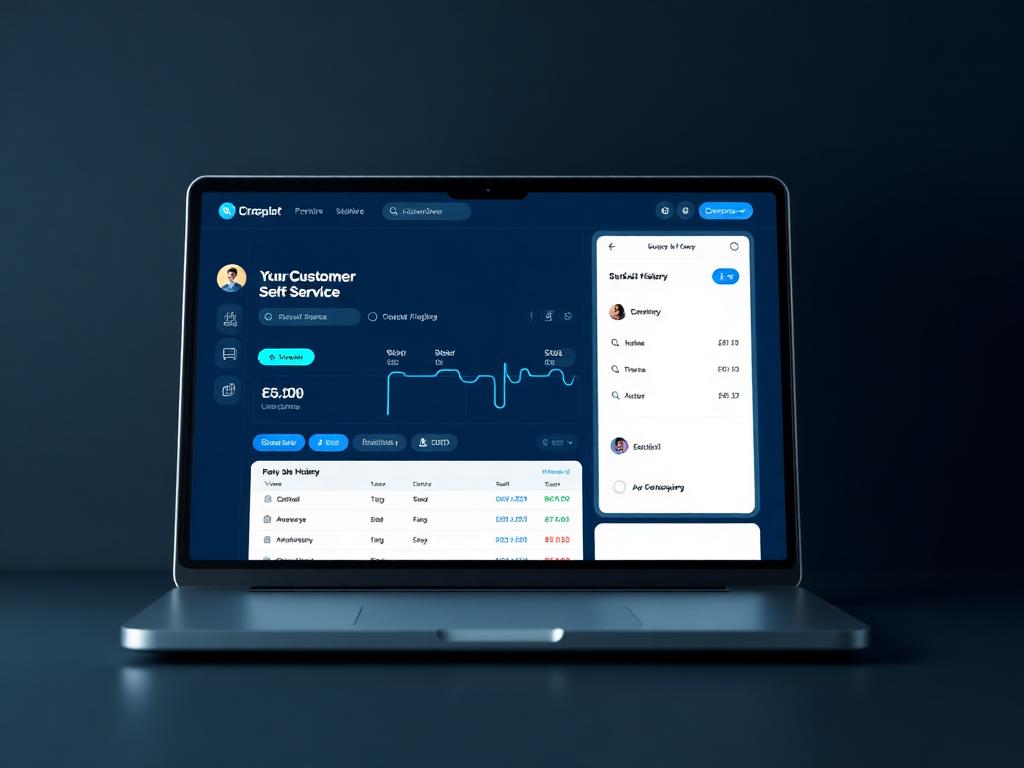
Customer Portal
Self-service client portal for account and service history.
- Customer documents, requests and history
- Self-service profile, avatar and password
- Assigned training and earned badges in one place
- Stakeholder register — board, officers, advisors, with terms
- Billed only for a client active in that month
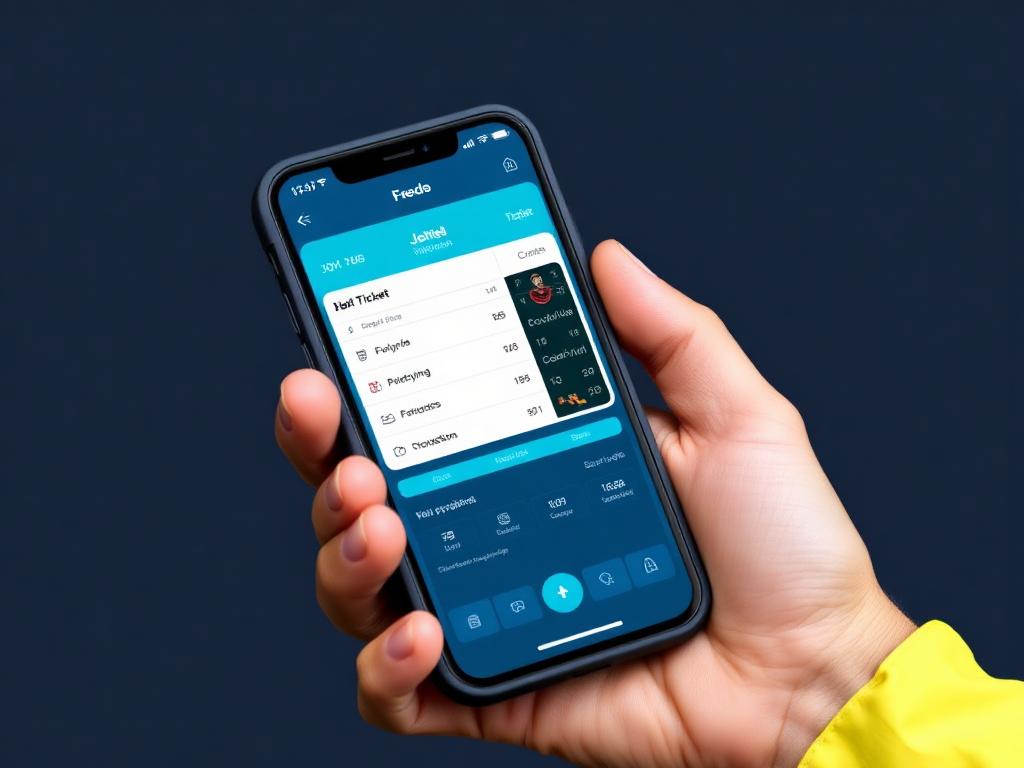
Tech Portal
Technician-facing portal for job updates and parts requests.
- Your assigned work orders, first thing
- Walk each job through its status lifecycle
- Time tickets with billed hours
- Public notes for the customer, internal notes for the shop
- Opens straight onto your jobs
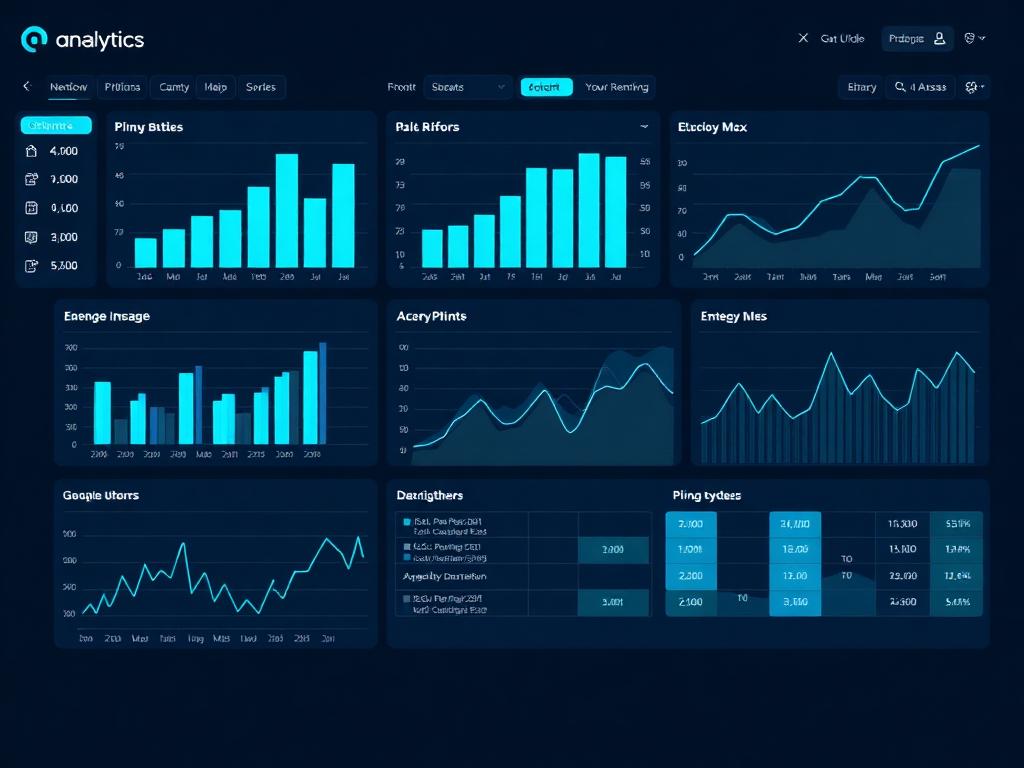
Reports & Analytics
Business intelligence dashboards and exportable reports.
- Cross-module dashboards
- Revenue and KPI tracking
- Date and status filters
- Export and sharing

Docs
Internal documentation, SOPs, and knowledge base articles.
- Templates and a template builder
- Signatures on screen, with a signature pad
- Sharing with the right people
- Search across every document
- Categories to file by
- Opens straight onto your documents — no empty dashboard

Training
Staff and client training courses, class scheduling, and progress tracking.
- LIVE mode — the lesson drives the real module in the pane beside it
- Module names in lesson text are clickable and steer that pane
- Courses infer which module they teach, so old ones work unchanged
- Scheduled live sessions with capacity and meeting links
- Quizzes, and a shared glossary so a term is defined once
- Teams, so a whole crew is assigned in one action
- Progress per step; badges from the real record, not a parallel list

Chat
AI assistant and team messaging - channels, direct messages, and AppSite AI.
- Channels for teams and topics
- Direct messages
- The AI assistant in the same window
- A dashboard of what your chat holds
- Part of the platform — no separate app to sign in to

Agents
Autonomous AI agents for business analysis and automated multi-tenant oversight.
- One roster for human and AI agents, edited inline
- Assignment rules that route each trigger to the right agent
- Run an agent now, on demand
- Activity log of every run and assignment
- The platform’s own agents listed beside yours
- AI configuration — AppSite’s provider or your own keys

Hub
Tenant landing page - all your connected apps in one place.
- Unified launcher
- Tenant context
- Module oversight
- Platform settings

Desk
Dual-pane split desktop — view and navigate any two modules side by side.
- Split panes — two modules at once
- One sign-in across every module
- Division context follows you
- Notifications from every module in one place
Operations
Running the work and the money — jobs, stock, billing and payments.
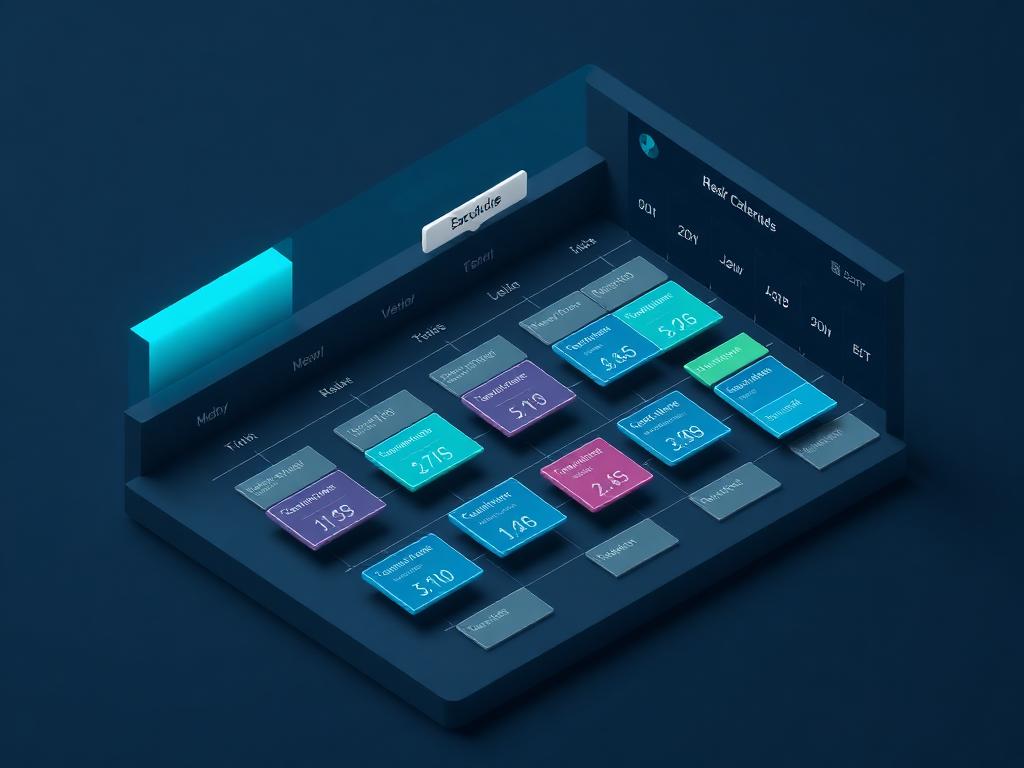
Scheduling
Staff scheduling, shift management, and availability.
- Month, week and day calendars
- AI quick-add — book in a sentence
- Drag to reschedule
- Appointments linked to the customer and the work order
- Invitations and bulk actions
- Local, ICS and Apple calendars with two-way sync
- Conflict detection before a booking is taken
- Multiple calendars for people and resources
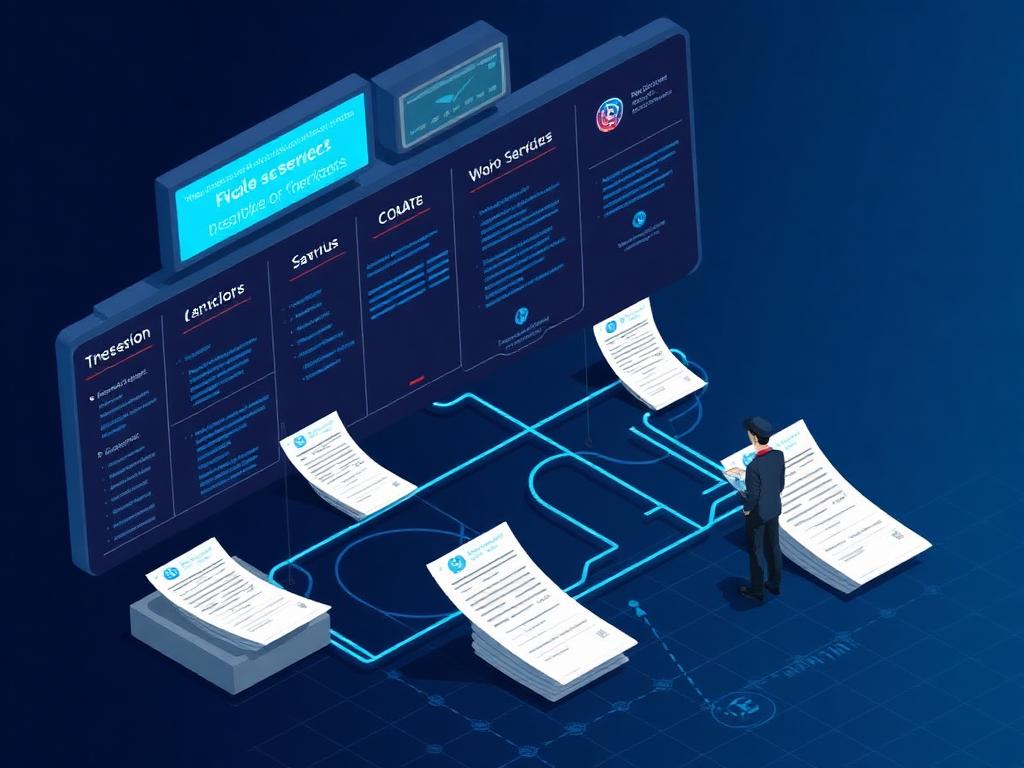
Service Orders
Job dispatch, work orders, and field operations.
- AI-generated flat-rate labour manuals — estimated hours per operation, priced at your rate
- Op codes so the same job is quoted the same way every time
- Rate tiers — different labour rates by customer, work type or division
- Sublet tracking for work sent outside, with cost and markup on the order
- Shop supplies as a configurable percentage of labour, applied automatically
- Per-work-order tax control instead of a blanket assumption
- AI parts lookup that suggests the parts an operation needs
- Dispatch, assignment and completion workflow
- Printable work orders for the customer and the tech
- Posts to the division that owns the work — revenue and cost land in its books
- AI usage metered to the job and held in WIP until the order posts

Expenses
Expense tracking and approval workflows.
- Receipt scanning with line-item extraction
- A scans inbox for everything captured
- Lines allocated to work orders, the catalogue or tax
- Scanned lines matched into your existing catalogues
- Approval and reimbursement state on the record
- Posts to Books under the division that spent it
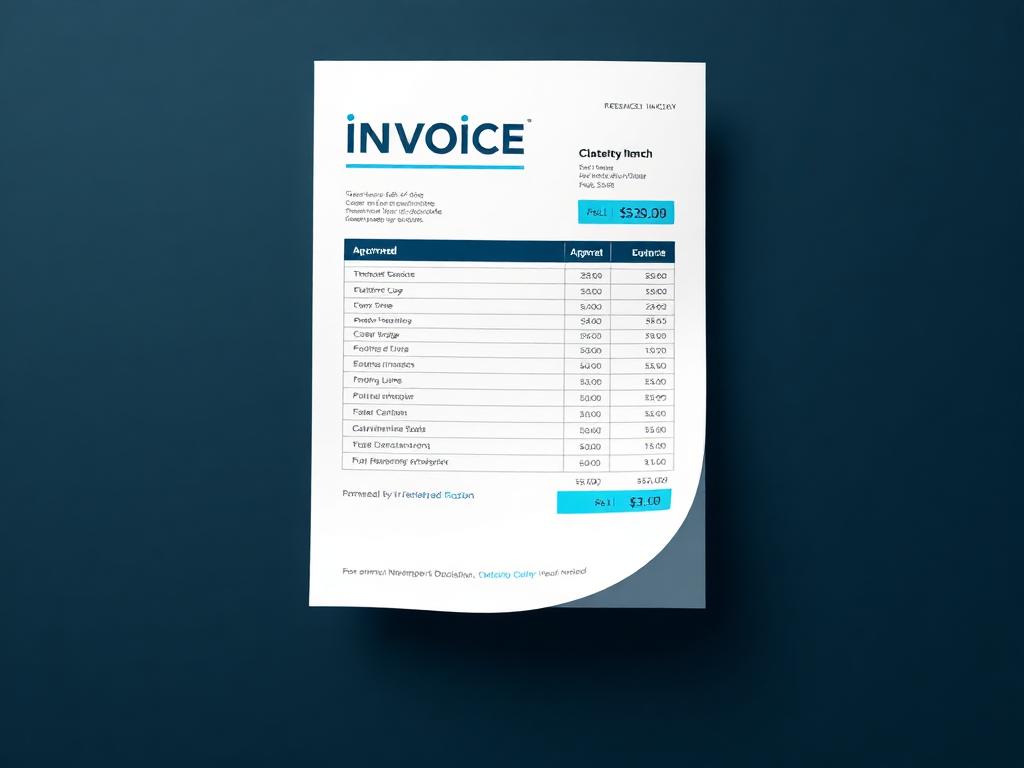
Invoicing
Invoice creation, delivery, and collection.
- Build an invoice from service orders and parts — not retyped
- Sequential invoice numbering, so there are no gaps to explain
- Every line posts to an income account on the master chart
- Scoped to the division that earned it
- Customers come from the shared contact record
- Create a contact mid-invoice without leaving the screen

Payments
Payment processing via Stripe - one-time and recurring.
- Match a payment to its invoice by lookup, not by copied number
- Recorded against the bank account it actually landed in
- Posts to the master chart, scoped to the division
- Balance owed and balance held move together
- Multiple bank accounts, maintained in the module
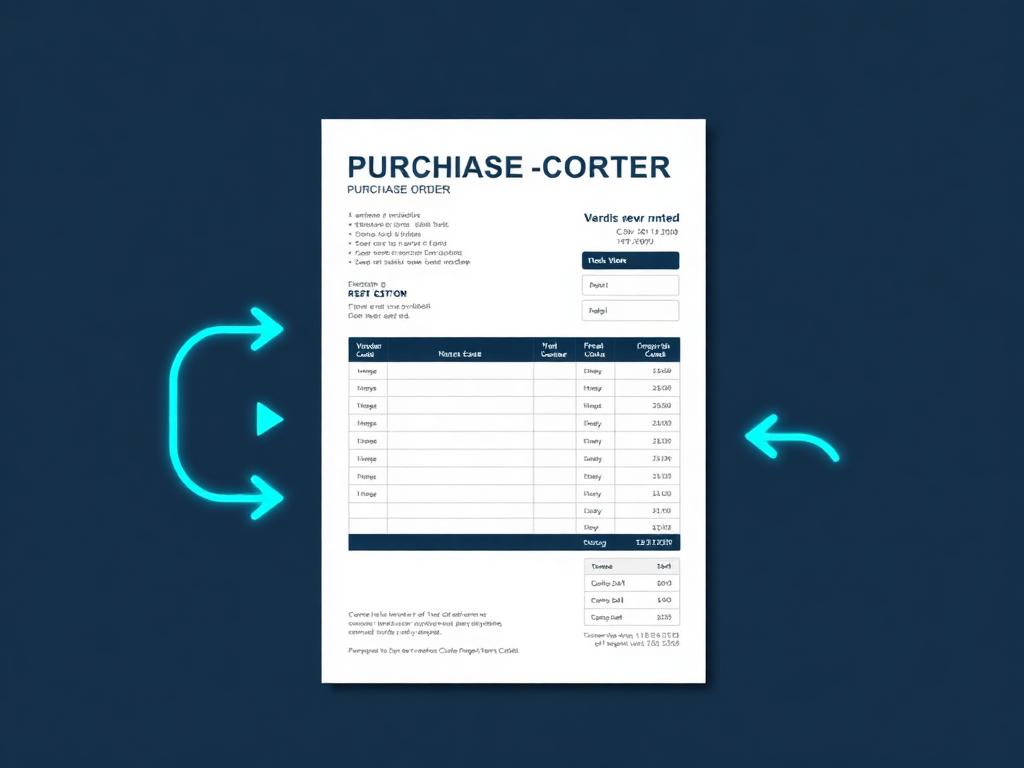
Purchasing
Purchase orders and supplier management.
- Sequential PO numbering against suppliers
- Received items post into the parts catalogue
- Consumables push straight into shop supplies
- Every line carries a GL account and a division
- Reads the same parts catalogue as invoicing and service
- Order totals calculated on the record, not in a spreadsheet

Storage
Retail storage yard operations for lots, units, customer assets, rentals, occupancy, and move-in/move-out workflows.
- Units with their status
- Rentals: move-in with unit, customer and asset
- Move-out, with the agreement closed properly
- The paper trail for every rental
- Occupancy on the dashboard, from the real records

Plans
Subscription plans, recurring billing, and ARR/MRR tracking.
- Purchasing-power pricing — one base price, a fair price per region
- Region factors from World Bank PPP data, editable per region
- Charm rounding, so a converted price does not read like a conversion
- Matched on buyer country and billed in their currency
- Plans, cycles and subscribers managed together
- Every plan posts to an income account on the master chart
- Scoped to the division that owns the revenue

Inventory
Stock, asset, and inventory tracking across your organization.
- Serialized units with VIN or stock number
- Containers — Sales, Service, Appliances, Construction, Private — each with its own fields
- The sales lifecycle for every unit
- GL rules per container, posting to Books
- Service history and work orders on the unit
- Appliances tracked the same way
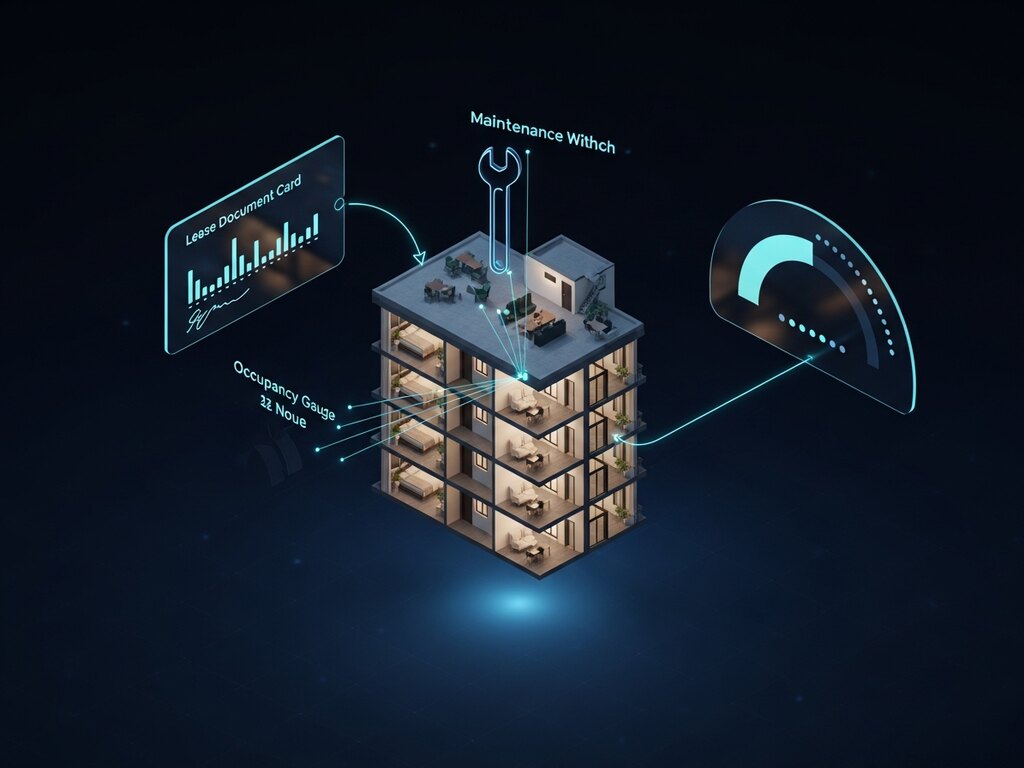
Property
Property management, tenant tracking, and maintenance workflows.
- Property and unit records
- Lease and tenant tracking
- Maintenance workflows
- Occupancy reporting
Content
What you sell, how it is billed and the books behind it — plus the developer workspace.
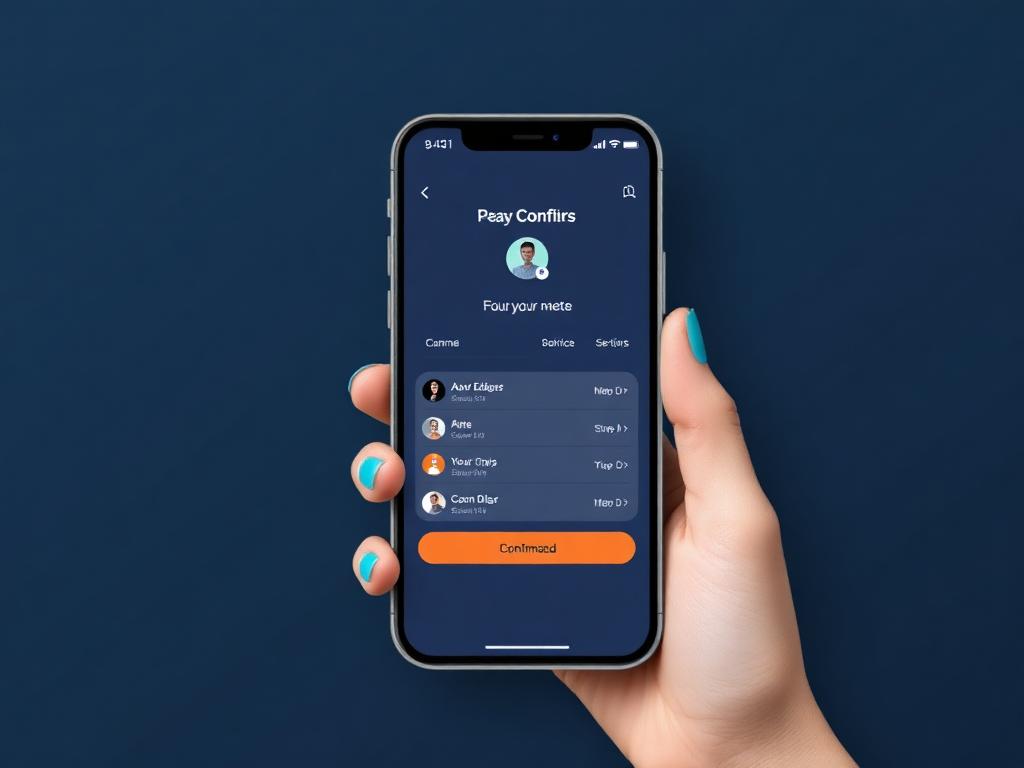
Offerings & Bookings
Service catalogue with pricing and customer booking management.
- Services and packages with pricing, options and duration
- Each offering posts to an income account on the master chart
- Scoped to the division that delivers it
- The same catalogue bookings and invoicing read from
- Priced once — booking, invoice and ledger cannot disagree
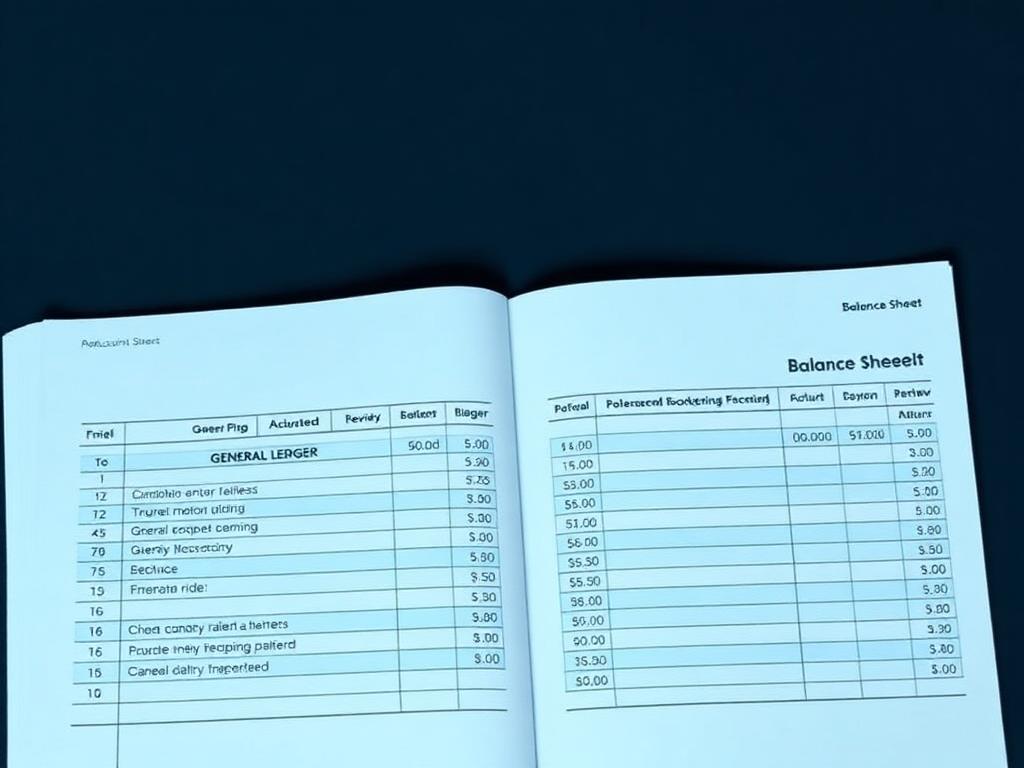
Books
Accounting, ledgers, and financial reporting.
- ONE master chart of accounts across every division
- Company-type divisions consolidate; a division sees only its own numbers
- Default-deny access — no role on a division, no ledger
- General ledger, journal entries and financial statements
- Inter-division transfers that post both sides
- Industry chart templates so you do not start from blank
- Period open and close, so a posted month stops moving
- Service, invoicing, expenses and purchasing all post straight through
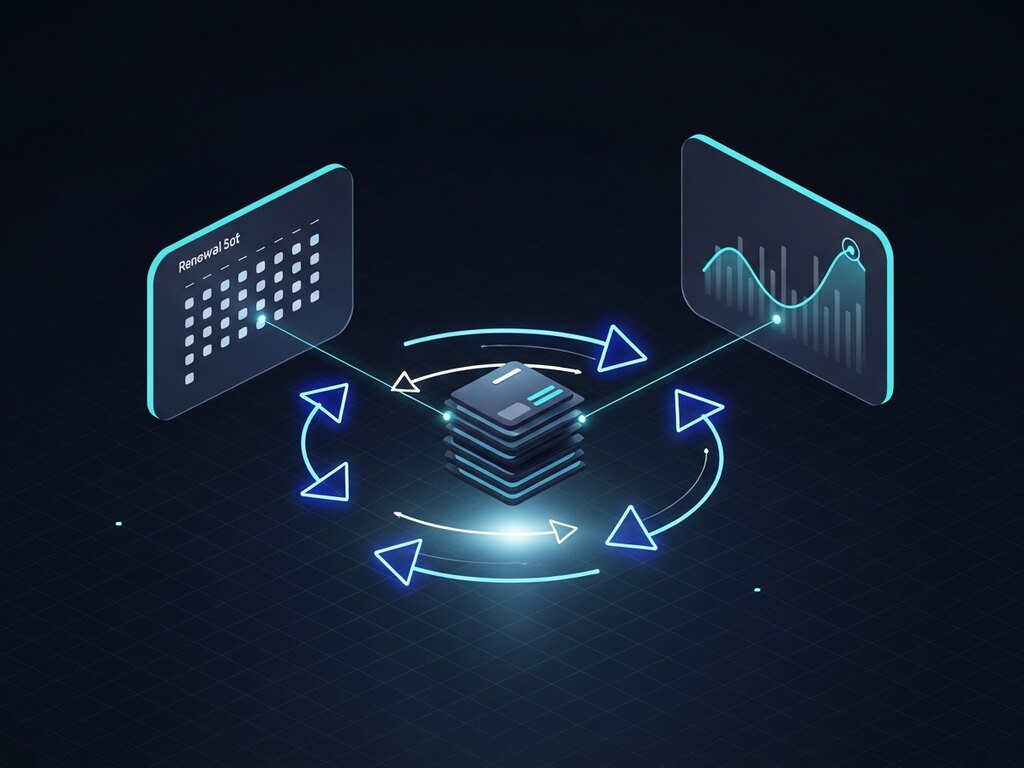
Subscriptions
Recurring billing and membership management.
- Connector register with cost per division
- Metered usage rolled up and attributed
- Unhealthy connections surfaced with the provider's own error
- Scaling controls for what usage is allowed to grow into
- Recovery credentials referenced, never stored in the open

Products
Digital product catalogue — books, downloads, passes and subscriptions.
- Parts, products, digital goods and services in one place
- Type-aware fields instead of one shape for everything
- Scan items in rather than typing them
- Priced once and used by invoicing, purchasing and service

Developer
Run the platform’s engineering from inside AppSite — repositories, cloud, hosting, keys and the module registry.
- Repositories, issues and a branch per developer
- Cloud projects, hosting, DNS and functions — every module traced to where it is served
- The module registry every Hub, Desk and Home reads
- API keys rotated on a schedule, and single sign-on
Media
Publish, promote and protect — studio, marketplace, social, AI and security.

Events
Event creation, ticketing, and attendee management.
- Workshops, webinars and customer events in one catalog
- Capacity for every event
- RSVP counts you keep
- GL tagging so costs post to the right account
- Housekeeping for past events
Marketplace
List and sell products, services, and offerings in a centralized marketplace.
- Product and service listings
- Categories and search
- Pricing and availability
- Client-facing catalog
Blogs
Multi-author blog publishing, categories, and SEO-friendly content management.
- Drafts until you publish
- Categories and tags
- A clean URL (slug) for every post
- SEO card — title and description for search and sharing
- Pictures from the Gallery
- Dashboard of drafted and published posts

Podcast
Plan, record, and publish your podcast - guests, schedule, AI content.
- Episode planning
- Guest management
- Publishing workflow
- Promotion assets

AI
AI-powered automation, content generation, and intelligent workflows.
- Grounded in your own documents and records, not a blank assistant
- Document and YouTube context as source material
- Text and image generation in the same place as the work
- Usage metered and attributed per division and per job
- Flows chain AI steps into repeatable work
- Connections to the providers you choose

Cybersecurity
Centralized vulnerability tracking, patch management, and security posture.
- Deal-readiness — the security answers a buyer asks for, already assembled
- Insurance evidence produced from the same record
- Access reviews and vendor risk tracked, not remembered
- Regulatory and policy mapping with compliance state
- Continuous checks and scans producing actionable findings
- Repair executes the fix instead of describing it
- Patch state across the estate

Studio
Creative workspace for site content, media, and launch-ready tenant experiences.
- Content workspace
- Media management
- Tenant launch assets
- Experience publishing
Social Media
Social profile routing, link management, and branded tenant social subdomains.
- A media registry — every place your content can go
- Compose: one post, placed on the media that should carry it
- Postcards from real CRM contacts, with industry themes
- Print and mail through PostGrid
- Funnels with live content and analytics
- Site Scanner — scan a prospect’s website, generate the pitch

Gallery
Media galleries, portfolios, and visual content collections for tenant sites.
- One image store every module reads by key, so nothing drifts
- Auto-sized variants generated on upload
- AI image generation beside the library
- Brand and site themes managed centrally
- Per-tenant branding without editing each app
More
Newer modules not yet placed in a group.

Stakeholders
Who owns the company, who runs it, and who is next.
- Cap table built from the share ledger, as of any date
- Dividends from the record date, paid and totalled per holder
- Board and officer positions with their duties and terms
- Succession plans: emergency cover and ready successors
- Access by name — each shareholder sees only their own stake