Built for service businesses. Owned outright when you’re ready.

Run the whole business
from one system.
Quote it, schedule it, do the work, bill it, get paid — on one data layer, configured for your industry. 36 modules. Nothing to stitch together.
Most service businesses run on five tools that don’t talk to each other — and a spreadsheet that apologizes for all of them.
 Service
 Products
 Invoices
Nothing falls between systems.
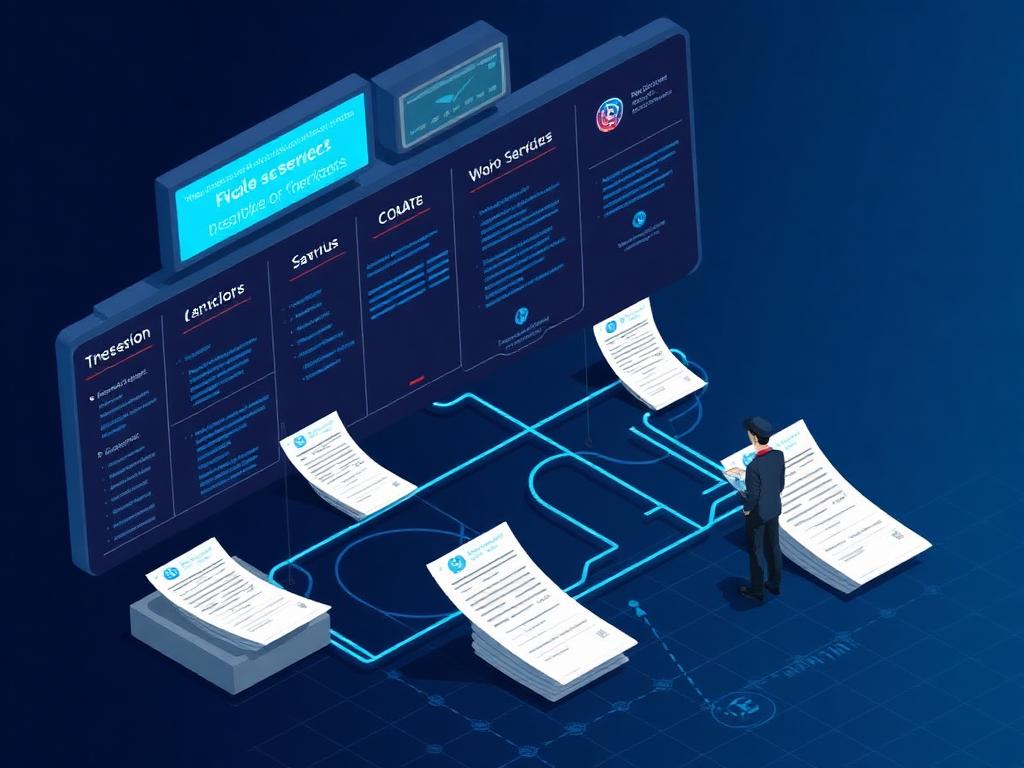
The work order knows the customer. The parts know the job. The invoice knows all of it. One data layer means no re-entry, no reconciliation, no “let me check the other system.”
See the modules → Field Service
 Trades
 Practitioners
Start with the modules your trade uses.
Pick your industry and we show you the modules that fit it — dispatch for field service, POs and stock for parts counters, bookings for practitioners. Every one of them shares the same customer record, and your team turns on the ones you need.
See your industry → Hub & SDK
 Cybersecurity
 Tech Portal
Own it outright when you’re ready.
Start on Pro. When the business is ready, graduate to Enterprise: the platform moves into your own cloud, your own repos, your own database. You own the system that runs your company.
Explore Enterprise →
AI is wired into the work. Not bolted on.
- Ask the chat bot.AppSite Chat’s AI assistant answers in the same window as your team’s channels and direct messages — beside the work it is about, not in another tab.
- Scan a receipt and it reads the vendor, date, totals and every line item — classifying each line as a part, product or service so it lands in the right catalog and the right account.
- Generate what the business needs — website copy, service descriptions, landing pages, intake questions, marketing plans, workflow recommendations and SEO metadata, shaped to your trade.
- Server-side and metered. Provider keys never reach the browser, and every request is counted against a limit you control.
Your own AI plans do the work. Not an API bill.
- Fix, repair, scan and deploy from the record. When a Cyber Check record needs work, the job goes to the appsite runner on your own computer, and the record prints its progress line by line.
- Claude Code, Google’s agy, GitHub Copilot — in that order. Every job is answered by Claude Code on your Claude plan; when it can’t — not installed, signed out, limit reached — Google’s agy (the Antigravity CLI) answers on your Google account, then GitHub Copilot on your Copilot plan. No API key is ever used: the CLI strips them from every call.
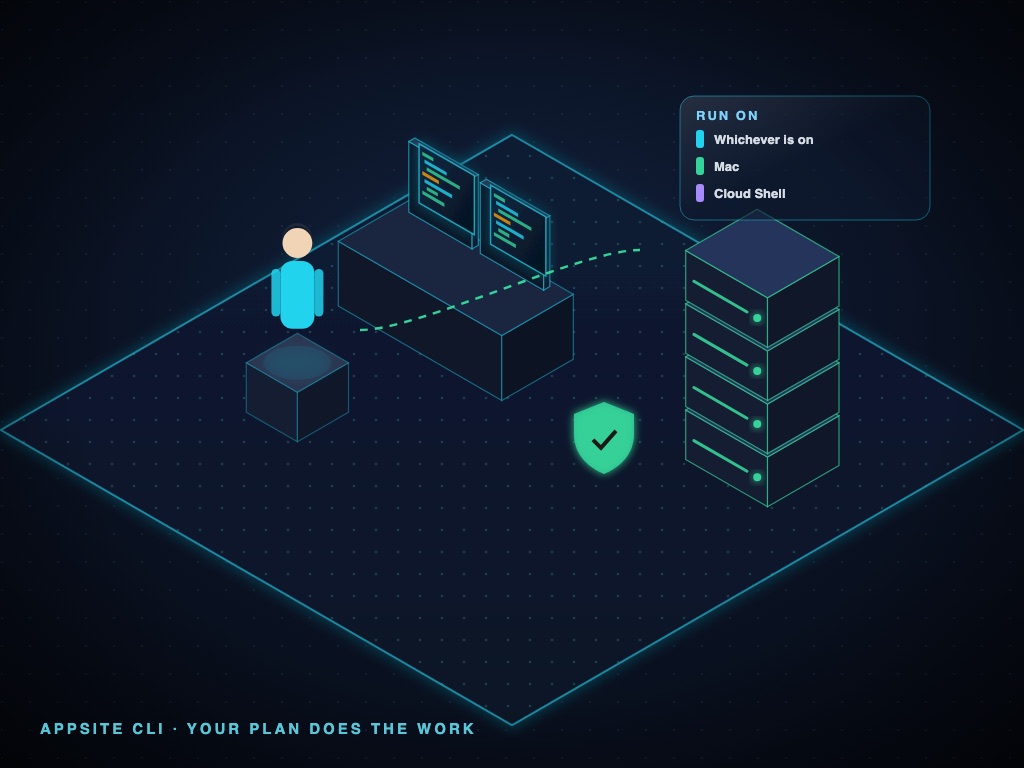
- Your Mac, or Google Cloud Shell. Pick where a job runs — or whichever is on — and see each runner’s state and the account answering for it.
- Every call accounted for — and what to buy next. AI usage splits by who answered: the API, charged; Claude Code, agy and Copilot on your own plans, with no API charge — beside what that work would have cost on the API. From that ledger,
appsite planssays, per vendor — Anthropic, OpenAI, Google, GitHub Copilot, Microsoft, AWS — whether to keep, step up or step down.
Live from AppSite’s own AI ledger: every call the runner answers is metered with what it would cost on the API. This month the API itself answered 734 calls for US$82.09.
In your editor
AppSite AI, inside VS Code.
The AppSite AI - CLI Extension asks your tenant’s AppSite AI — or the appsite CLI on your own plan — from the editor. Type /updateto see your modules’ versions against AppSite’s, or /billingfor this period’s usage. Now on the Visual Studio Code Marketplace, beside AppSite Vault - CLI Extension.
Version 0.3.41 · published by Appsations, Inc.
















Modules
36 connected modules.
One platform. One data layer. Deploy what you need, expand when ready.
Running on AppSite
36 modules, one database.
Ask me who’s running it — names are coming as customers clear us to use them. In the meantime, here’s what the platform actually looks like, mid-job.
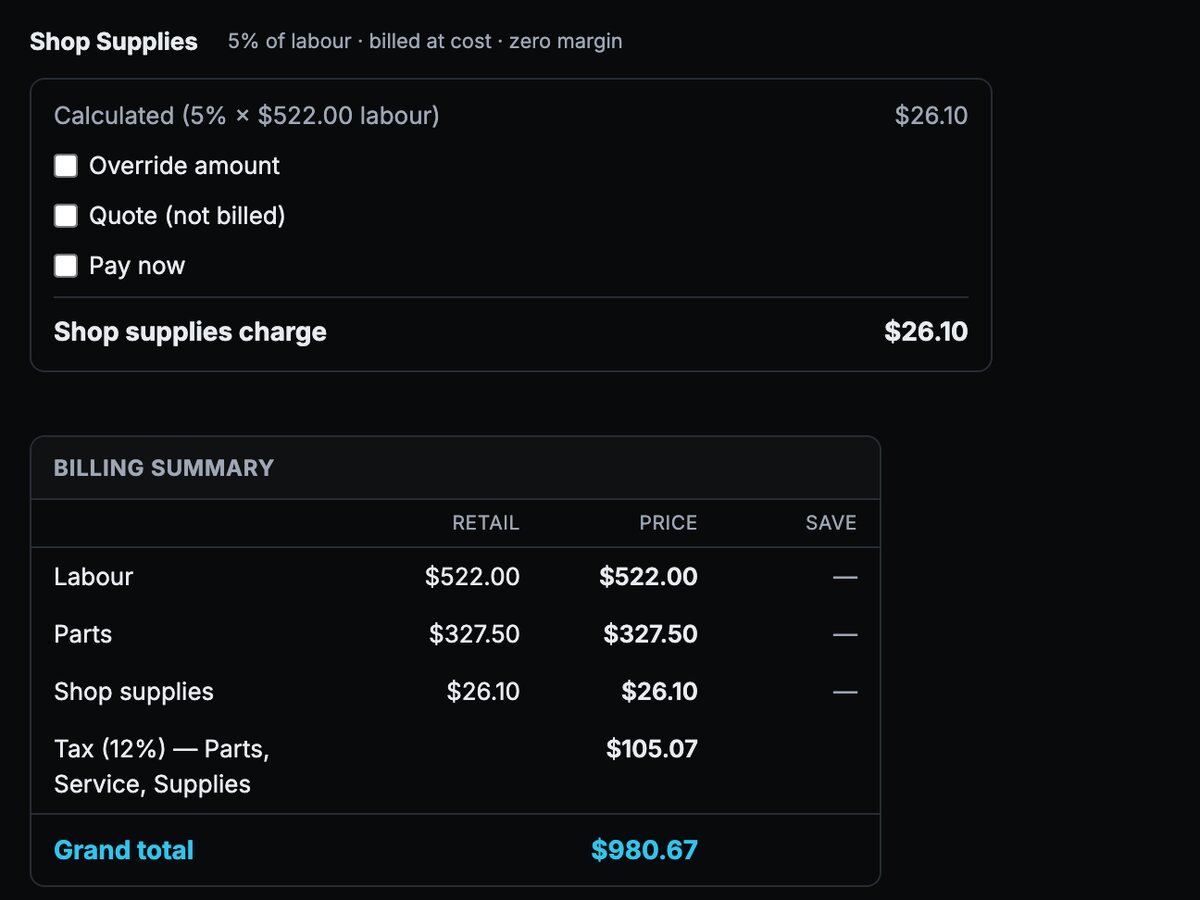
Work order
Labour, parts, shop supplies and tax priced on one record.
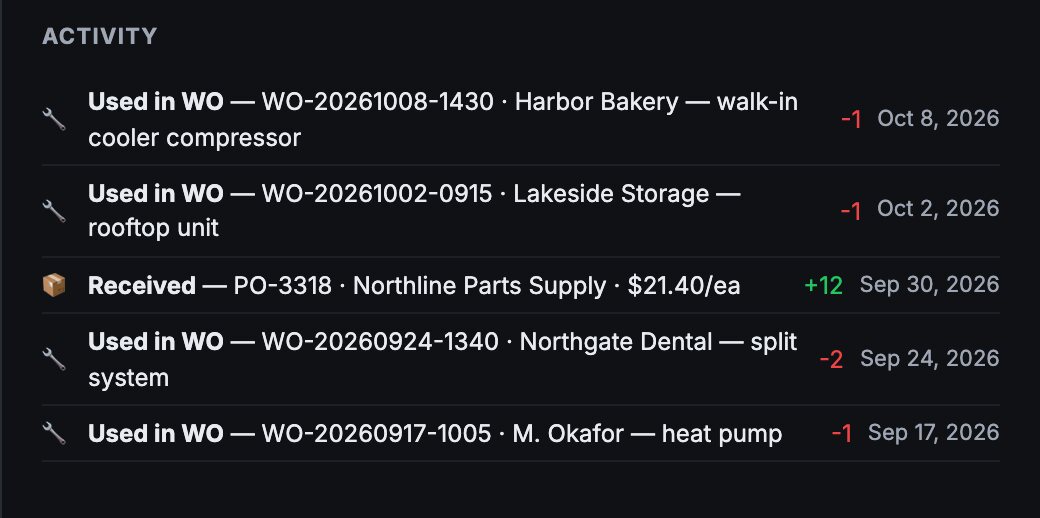
Parts screen
Every part keeps a trail — the work orders it went into and the purchase orders that restocked it.
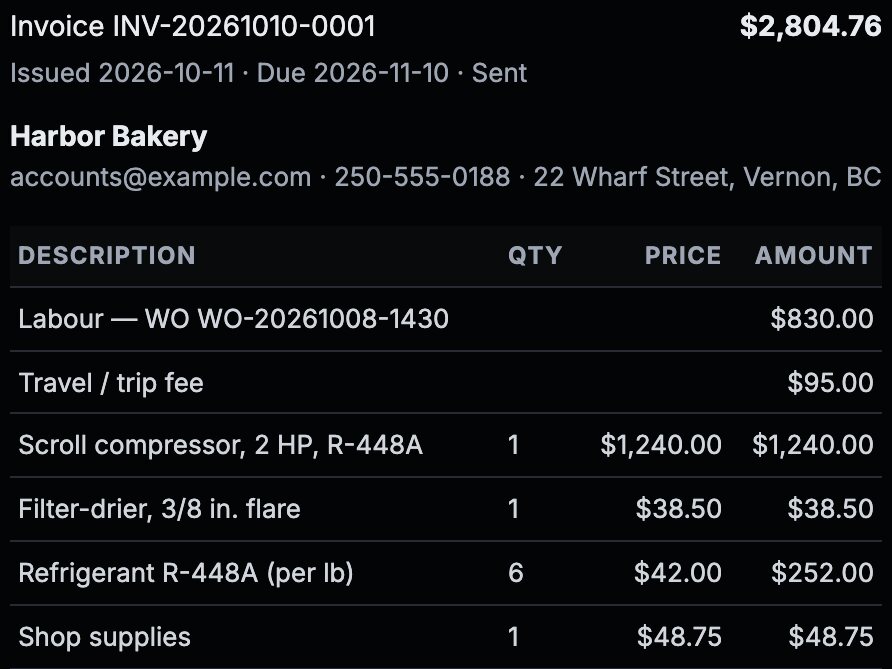
Invoice
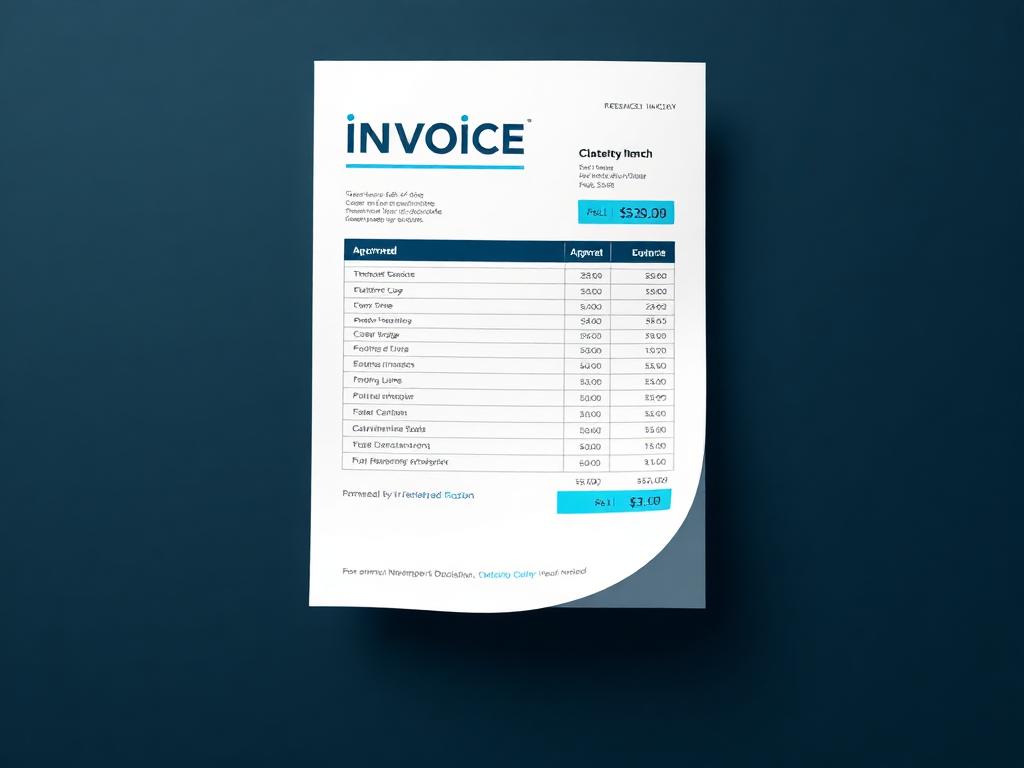
Generated from the work order — nothing retyped.
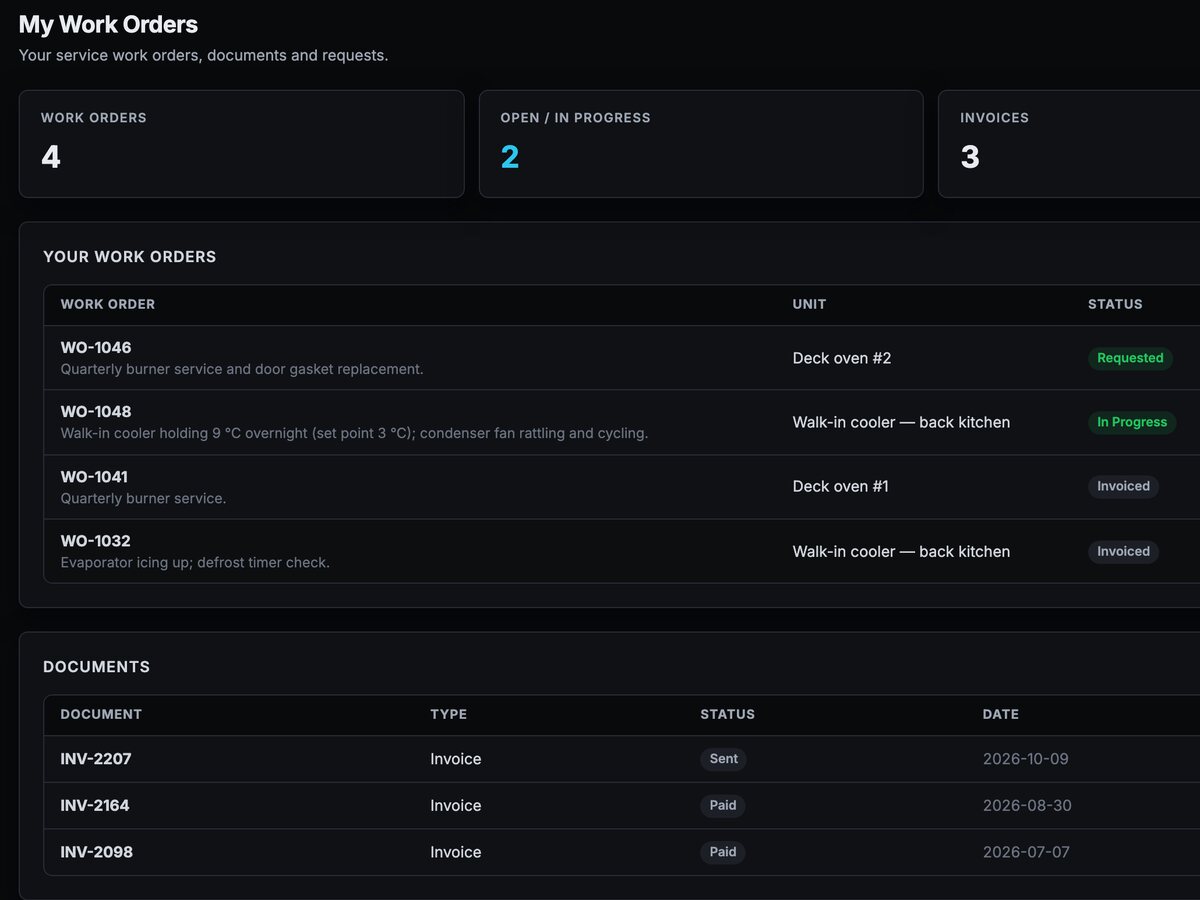
Customer portal
The customer’s own view of status, invoices, and history.
Real AppSite screens, shown with a demo company’s data — Cedar Ridge Service Co. is fictional.
Total control for entrepreneurs. All tools in-house.
Enterprise is independence: your AppSite environment, your cloud project, your codebase, and every operating tool available under one roof.

For the developers who work on it

Developer program
AppSite Developer Seat
One additional developer seat on your Enterprise tenant. Includes AppSite Academy — training to code, vibe-code, and become an AppSite developer.

Academy
AppSite Developer Certificate
Earned in three levels — your company and platform, then CRM, Cybersecurity and Subscriptions, then AI and agents
Security is the reason to buy Enterprise. Everything else is the reason to stay.
The moment your business has IT staff, contractors or developers working inside its systems, the question stops being what they can build and becomes what they can reach. Enterprise is built around that question. It puts your platform inside your own cloud boundary and puts deliberate layers between the people working on the system and the business running on it.
- 01
The blast radius stops at your own cloud
A dedicated tenancy runs in your Google Cloud organization, on projects and a billing account you own. Your data is never in a database shared with another company, and AppSite holds no standing access to your environment — we deliver software to repositories you control and you perform the deployment.
- 02
Developers get seats, not the keys
Developer access is a named grant — a seat per person, bought deliberately — not an ambient level of trust that quietly grows. Each developer works on their own branch, and that branch is enforced at deploy time rather than by convention, so one person cannot push straight to what your business is running on.
- 03
Authorization the browser cannot argue with
Access is decided server-side, scoped by tenant, member and role. A signed-in client cannot widen its own permissions by editing a request, because the rules that grant access never run on the client in the first place.
One platform. Built for service.
Thirty-minute discovery call. We look at how your business runs and show you what AppSite looks like configured for it. No deck, no pressure.